Settings
Settings is where you manage your message templates, channel configurations, and sender identities. Open it from Settings in the left navigation.
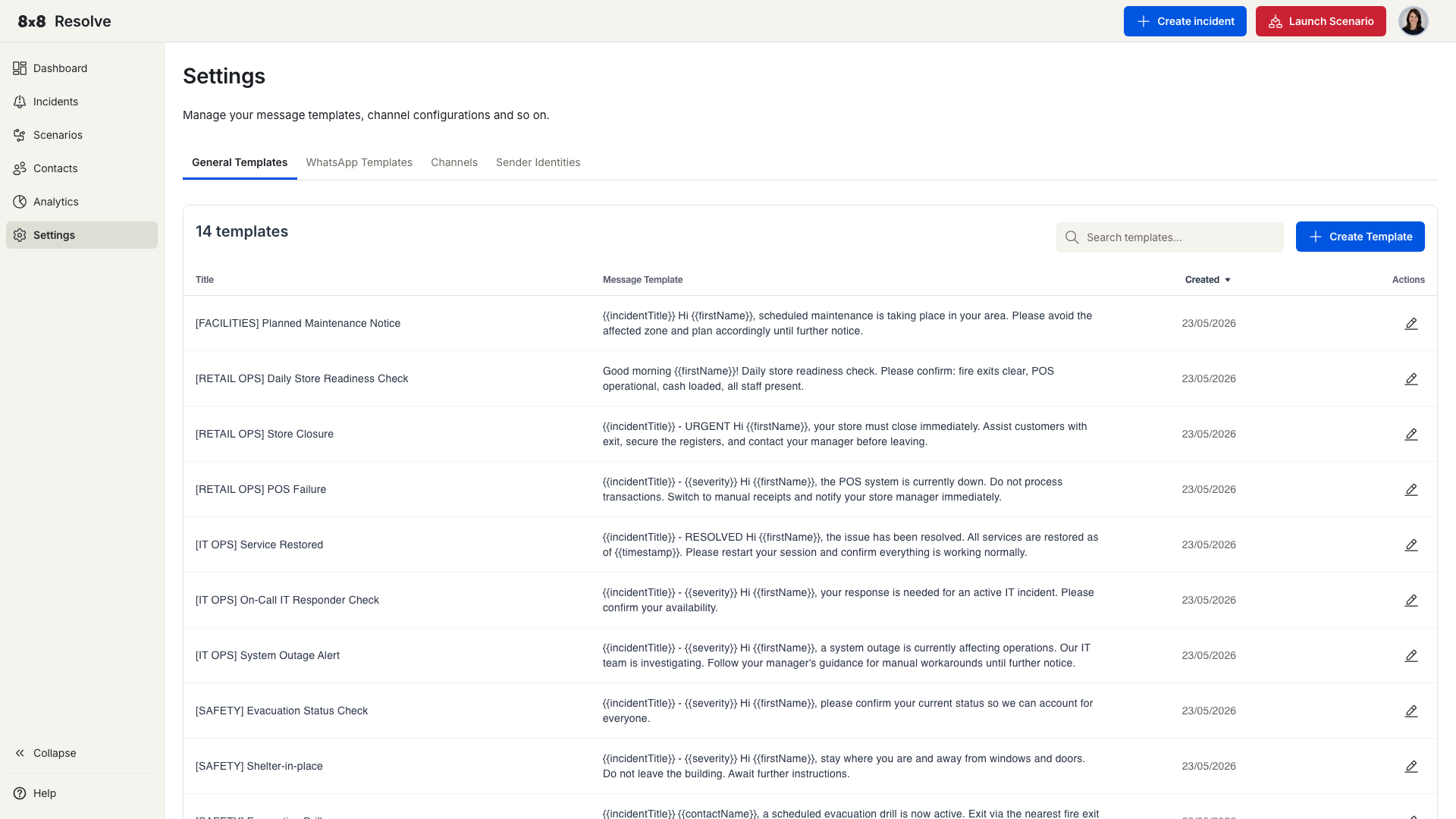
Settings is organised into tabs:
| Tab | What it's for |
|---|---|
| General Templates | Reusable message templates with dynamic placeholders. See Templates. |
| WhatsApp Templates | WhatsApp-specific message templates, selected when WhatsApp is a delivery channel on an incident. |
| Channels | Configure the delivery channels available to your organisation. |
| Sender Identities | Manage the sender IDs and numbers your messages are sent from. |
General Templates
The General Templates tab manages reusable message templates — give a template a title and body, drop in placeholders such as {{firstName}}, and reuse it when creating incidents and scenarios. For the full workflow, placeholders, and validation rules, see the Templates page.
WhatsApp Templates
WhatsApp requires pre-registered message templates. The WhatsApp Templates tab is where those templates are managed; you pick one in the WhatsApp Template field of the Create Incident panel when WhatsApp is a selected channel.
Channels
The Channels tab is where the delivery channels your organisation can send through (such as SMS and messaging apps) are configured.
Sender Identities
The Sender Identities tab manages the sender IDs and phone numbers that outbound messages are sent from.