The 8x8 WhatsApp Business Platform
Welcome to the 8x8 Integration for the WhatsApp Business Platform! This documentation guides you through using 8x8's communication tools to connect with your customers on WhatsApp.
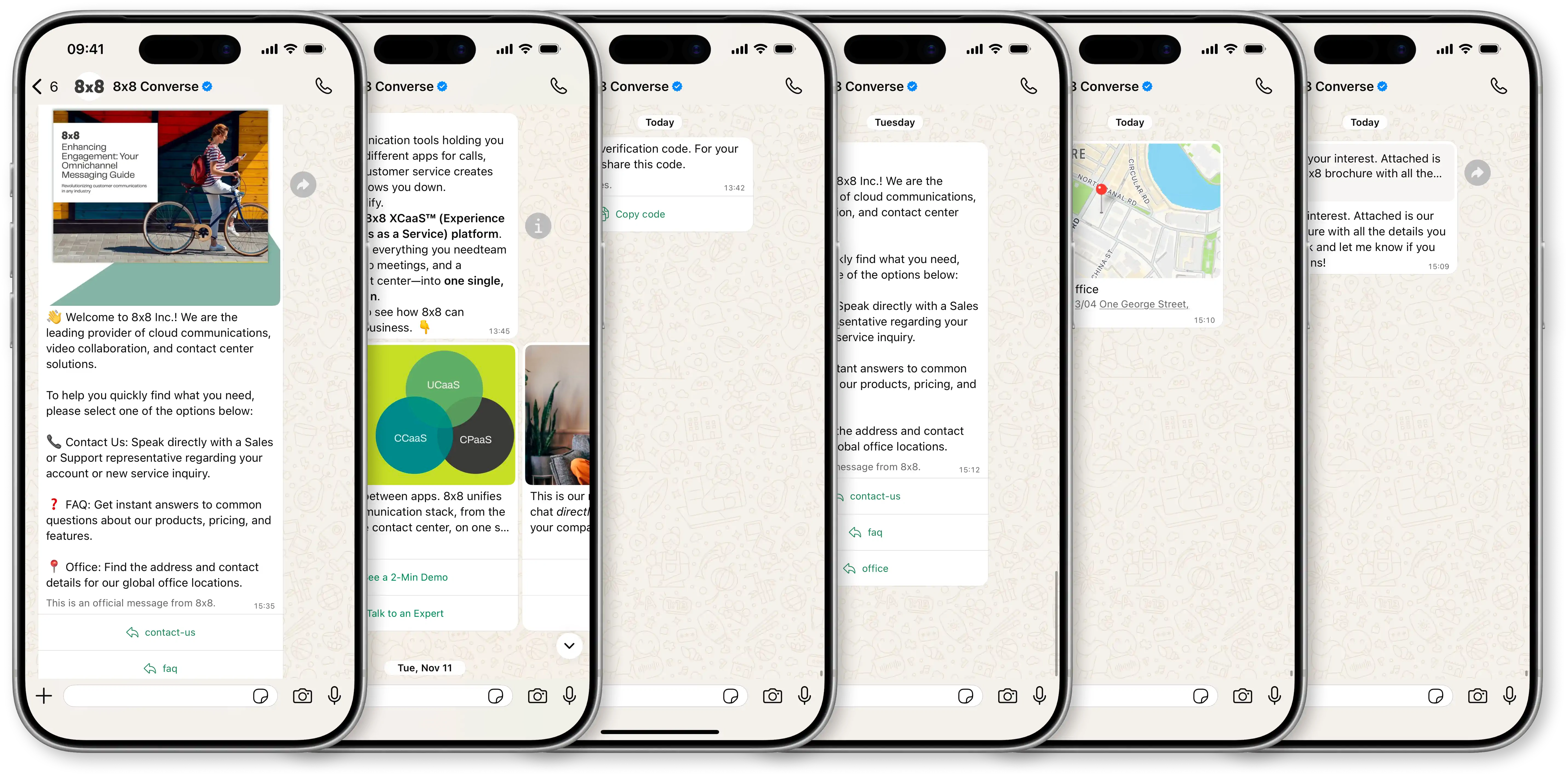
Why Use WhatsApp for Business?
WhatsApp offers a unique opportunity for businesses to engage customers where they are most active. With over 2 billion monthly active users globally and over 200 million businesses utilizing the platform, this massive scale provides:
-
Unparalleled Reach: Connect directly with billions of engaged users on their preferred messaging channel.
-
Rich Communication: Go beyond simple text with images, videos, documents, interactive buttons, product catalogs, and more.
-
Personalized Engagement: Build direct, trusted relationships through one-on-one conversations and timely notifications.
-
Improved Customer Experience: Offer support, send alerts, facilitate transactions, and run marketing campaigns within a familiar and convenient interface.
What is the 8x8 Integration for WhatsApp Business Platform?
8x8 provides a seamless, reliable solution for businesses to connect with customers effortlessly on WhatsApp. Our integration is powered by the official Meta WhatsApp Business Platform (Cloud API) and made easily accessible through 8x8's robust 8x8 Connect platform.
8x8 Connect acts as your central hub, simplifying how you use WhatsApp for business by providing two primary methods:
-
Via the 8x8 Connect Portal: An intuitive, all-in-one web interface for managing your account, sending messages manually or in bulk (by using the Campaigns), managing templates, viewing analytics, and configuring settings.
-
Via the 8x8 Messaging App API: A powerful, developer-focused API for integrating WhatsApp messaging directly into your own applications, CRM, or backend systems to automate communication workflows.
Essentially, 8x8 provides the tools (both UI and API) and infrastructure to easily manage and scale your customer interactions on WhatsApp.
Key Capabilities
-
Send All Message Types: Engage customers with business-initiated Template Messages (for notifications, OTPs, and marketing) and respond with Interactive Messages (including text, media, buttons, and lists).
-
Manage Templates: Create, submit, and manage your WhatsApp templates directly through the 8x8 Connect portal or via the API.
-
Integrate Your Tools: Connect WhatsApp to your CRM and support desks, with support for Zendesk, Salesforce, Zapier, and Workato.
-
Handle Two-Way Conversations: Receive and respond to customer messages in real-time using webhooks or through agent tools like 8x8 Converse.
Where to Start
To help you find the information you need, we have organized this documentation by your primary goal.
For All Users (Start Here) We recommend starting with the fundamentals. These concepts are essential for understanding how the platform works.
For Business Users & Marketers Learn how to use the 8x8 Connect portal to manage your presence, create templates, and run campaigns without writing code.
For Developers & Integrators Dive into the API documentation to build custom integrations, send messages programmatically, and manage webhooks.
-
See: Authentication
For Developers Building Interactive Experiences Learn how to collect structured data using WhatsApp Flows - guided forms that run inside WhatsApp conversations.
-
See: WhatsApp Flows - Create, send, and manage interactive forms for data collection
-
See: Flow Examples Library - Industry-specific implementations with complete payloads